The organization your business needs
The organization your business needs


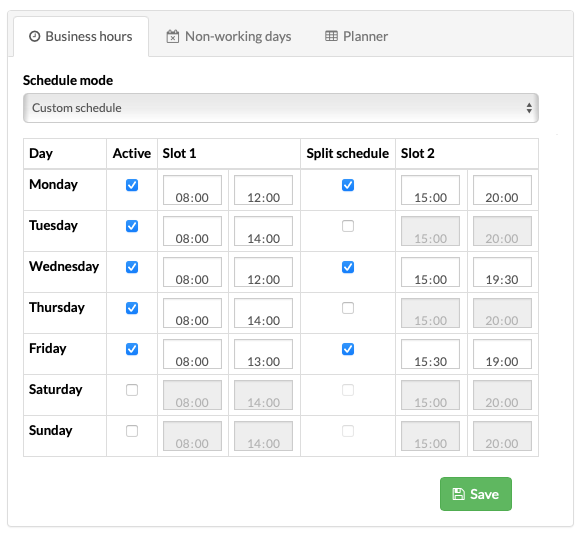









while still allowing the appointment or booking to be added

while still allowing the appointment or booking to be added
There is no single option that works perfectly for every business. Every company operates differently, which is why we have given you the flexibility to choose the settings that best suit the way you work.
We provide the tools, but you decide how they should work in your business.
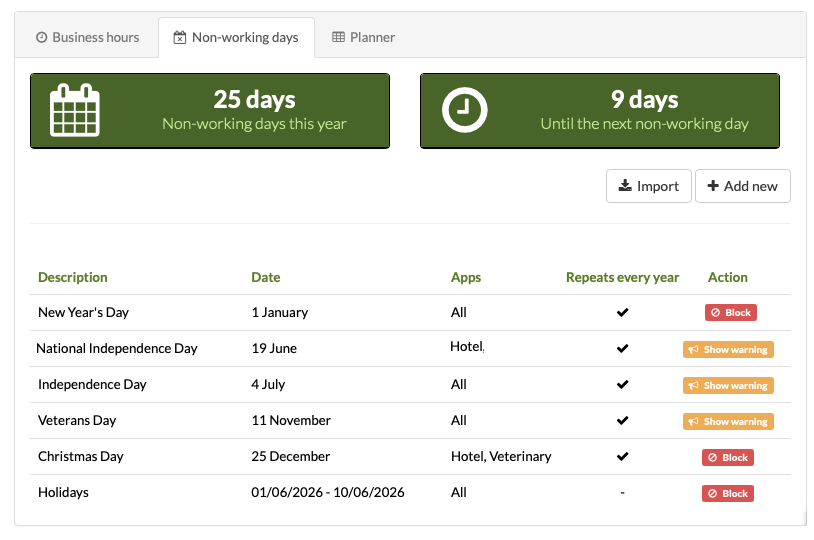
Warning option: The warning option is ideal for businesses that need greater flexibility. For example:
Pet hotels that do not normally accept arrivals or departures on Sundays, but make exceptions during busy periods.
Veterinary practices that do not usually operate outside their regular opening hours, except in specific cases such as emergencies, check-ups or post-operative follow-ups.
Pet grooming salons that may occasionally accept a service outside their usual opening hours on special dates.
In these cases, Gespet displays a warning but still allows you to continue without blocking the action.
Blocking option:
This is ideal for businesses with strict opening hours that do not want to allow bookings, appointments or services outside the specified days and times.
It helps prevent mistakes such as scheduling an appointment on a non-working day, accepting an arrival outside opening hours or booking a service when the business is closed.
Choose the option that best suits your business and change it whenever you need to.
For pet hotels, where stays often last several days, you will also see a warning if any non-working days fall within the stay
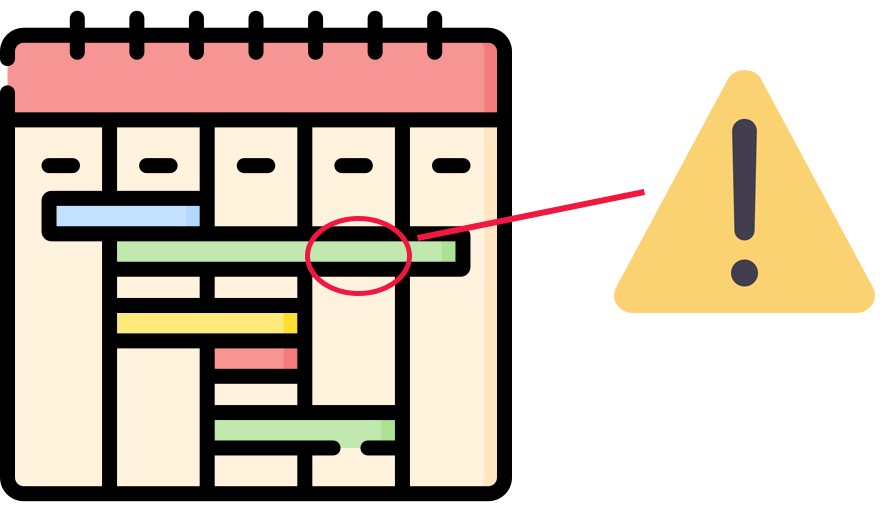

when creating appointments, services, deliveries and more

across your planners and calendars

for opening hours and public holidays

especially when using online bookings

because the system works according to your rules

for your team, who can rely on the schedule with confidence