We are going to show you a very useful setup for veterinary professionals:
If you run a mobile veterinary service or home vet practice and visit clients to handle consultations, check-ups, vaccinations or emergencies.
Or if you have a veterinary clinic and also offer pet pickup, delivery or transport services.
Keep reading. This combination can make daily work much easier.
As you know, Gespet includes a dedicated solution for veterinary clinics. It is powerful and designed to help with daily clinical management.
If you offer mobile veterinary services, home visits, pet pickup or pet transport, this combination is ideal for your business.
If you treat pets in your clinic and also collect or deliver animals at the client's home, this is the right combination for you.
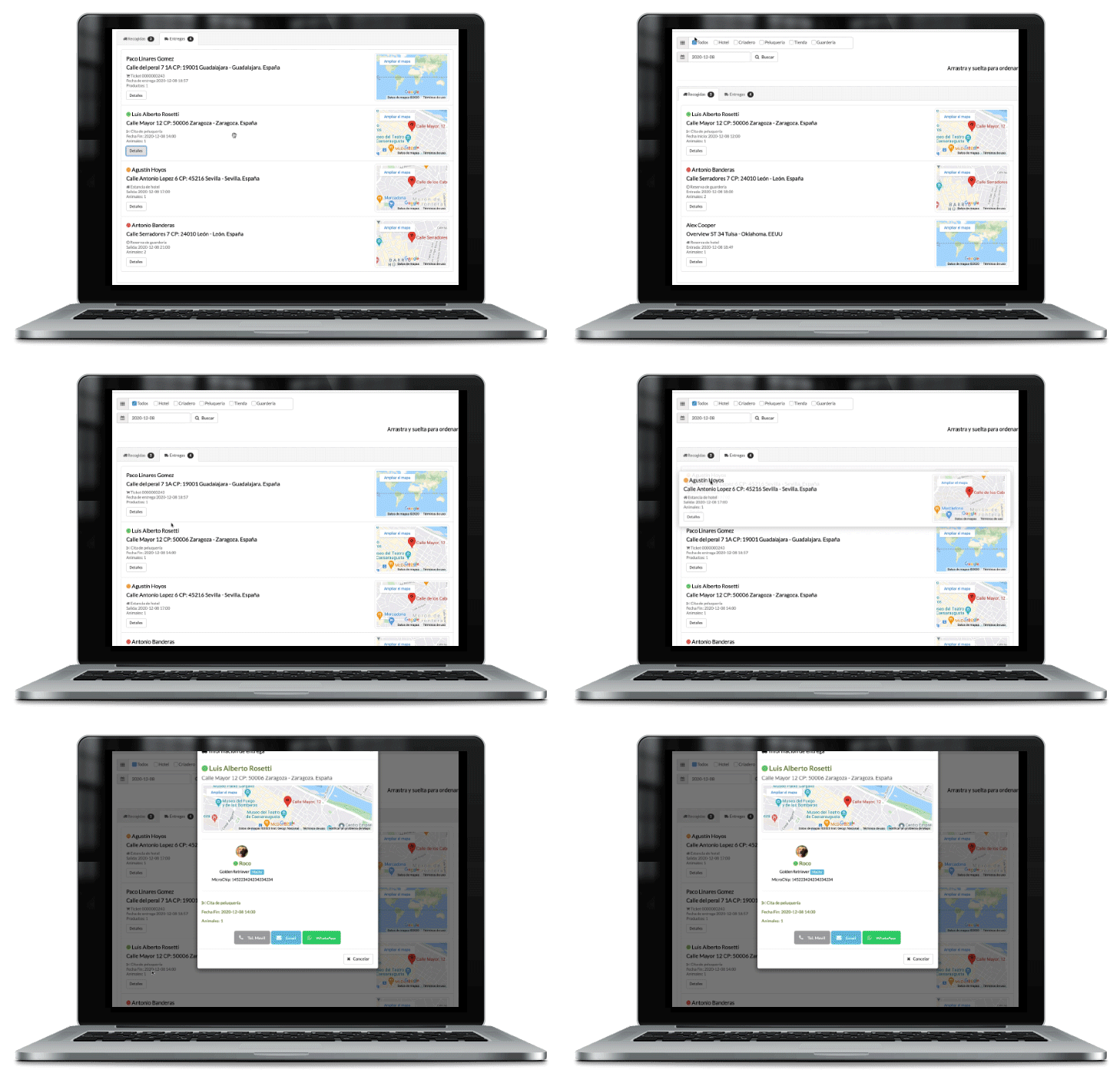
When you create a new appointment, consultation, vaccination, check-up or clinical service, you can mark whether the client needs pet pickup or delivery.
You can open the transport planning view and see which pets must be picked up or delivered each day.
You will see customer data, pet data, address information and the integrated Google Maps route.
Contact the client directly from the same screen.
In the route planning view, you can drag and drop visits to organize the day efficiently.
You can print the ordered route plan or send it by email to the driver or veterinary team.
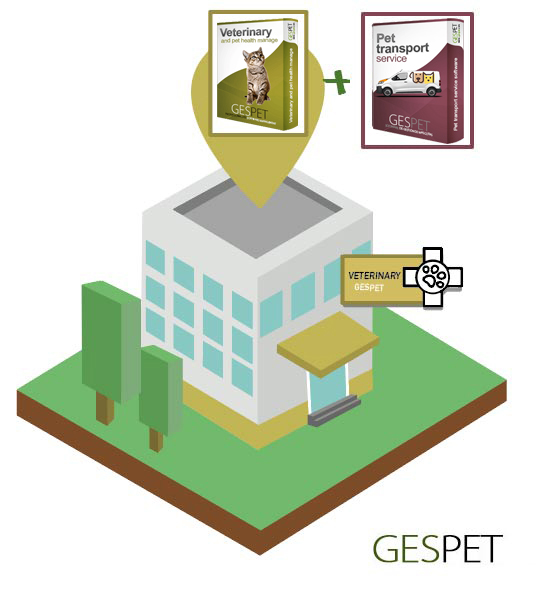
By combining these two professional management modules, you get a complete solution for your veterinary service.
Click the boxes if you want more detailed information about each module:
Do you offer a mobile vet service? Do you visit the client's home for consultations, check-ups, vaccinations or emergency veterinary care? In that case, besides veterinary software, you need route, address and visit planning.
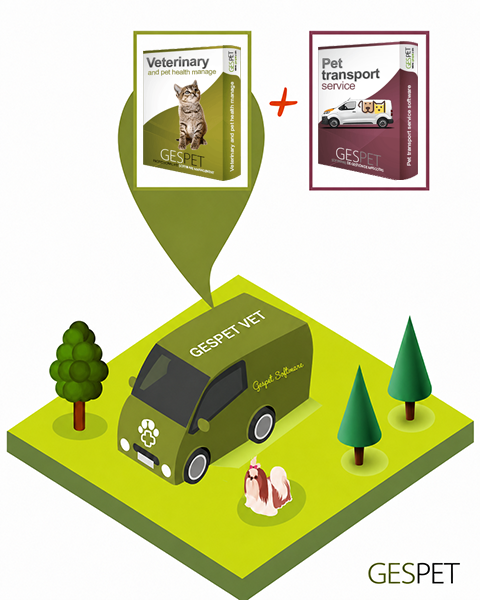
By combining veterinary and transport modules, you get the ideal tool for mobile vets, home veterinary services and clinics with pet transport.
Open the route planning view and see the appointments planned for each day.
Check customer data, pet data, addresses and the integrated Google Maps route.
Contact the client directly without leaving the screen.
Order the route for the day by dragging and dropping each service.
Print the route plan or send it by email.
Click the icons if you want more detailed information about each module: