Start receiving bookings from the very beginning. Just share your link and you're ready.
You can customise the message in:
Marketing > Settings > Templates
Use it in your email signature, paste it into an SMS or share it in a social media message
Include it in printed advertising, posters or flyers
Or anywhere else you can think of, the choice is yours
Doing it is very easy:
Settings > Online BookingAs simple as this: share → book → new customer
Surprise your customers: they scan and book in seconds.
It works just like an image: share it and that's it. Once scanned, it takes them straight to your booking page.
You can even personalise it with a fun icon to make it more eye-catching.
Download it in seconds:
Settings > Online Booking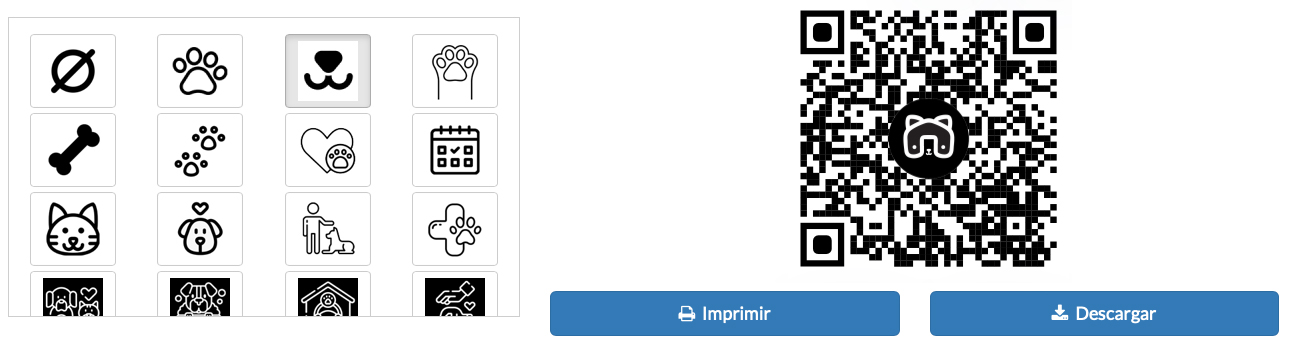
Where can you use it?
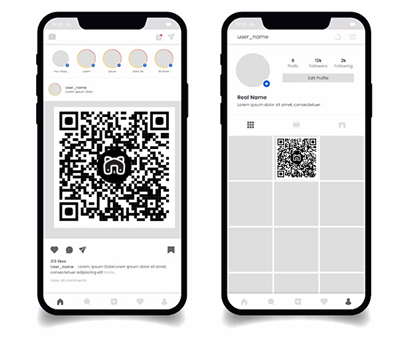
Scan → book → new customer
TAGS:
pet hotel website bookings | pet grooming website bookings | animal boarding online bookings | dog daycare website bookings | cat daycare online bookings | pet grooming online appointments | online pet business booking system