
Gespet also lets you manage mobile veterinarians. Here are some tips and recommendations that can be useful in your daily work.
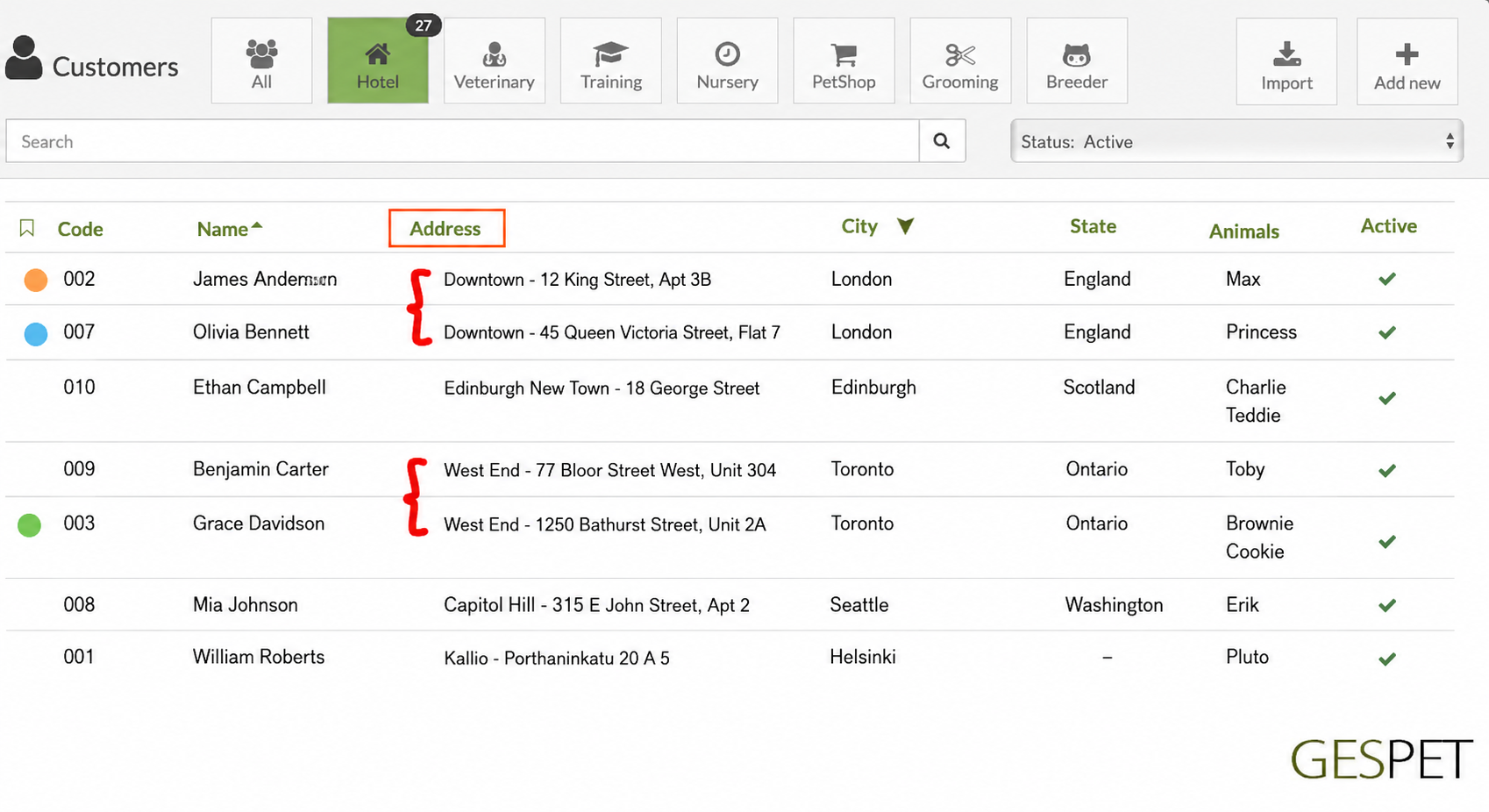
You can group clients by the area where they live, including addresses, residential developments and other location details, to organize your work route and see clients grouped by where they live: province, area, neighborhood, residential development, and so on.
From the View > Clients option, if you click the ADDRESS option
in the client list header, clients are sorted alphabetically by address. This
way, client 002 and client 007 would appear next to each other if both live
in what we have called, for example, "Downtown Area -", or clients 009 and
003 if both live in "Monteverde Residential Area" in our example.
This way, if you are working today in the "Downtown Area", you can quickly see all clients who live in that area.
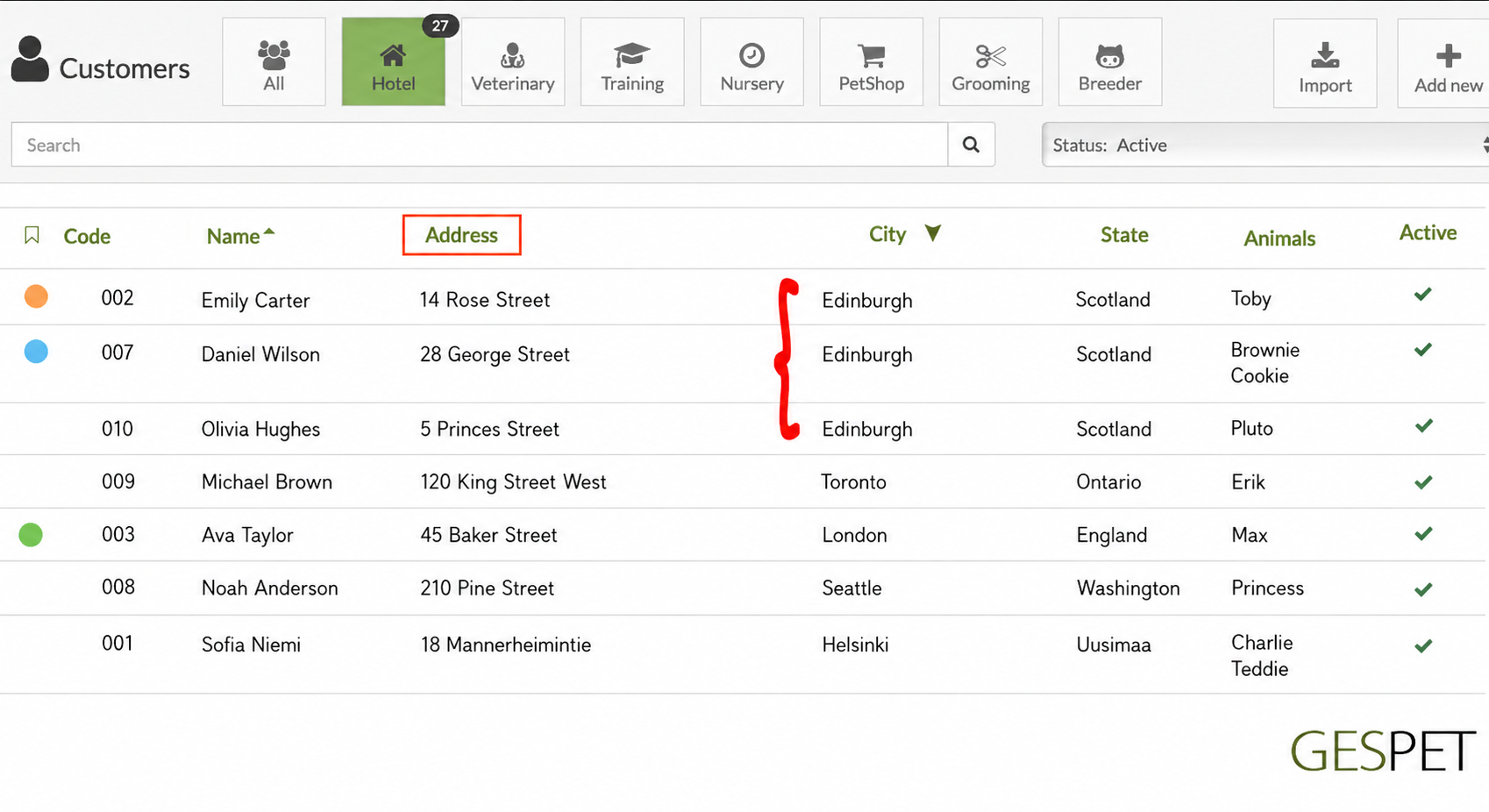
If, instead, you want to see everyone who lives in a specific city or
province, you can click "City" or "State" in the list header and see all
clients who live in that place, regardless of their street address. For
example, in the screenshot we can see everyone who lives in Alcalá de Henares
(Madrid):